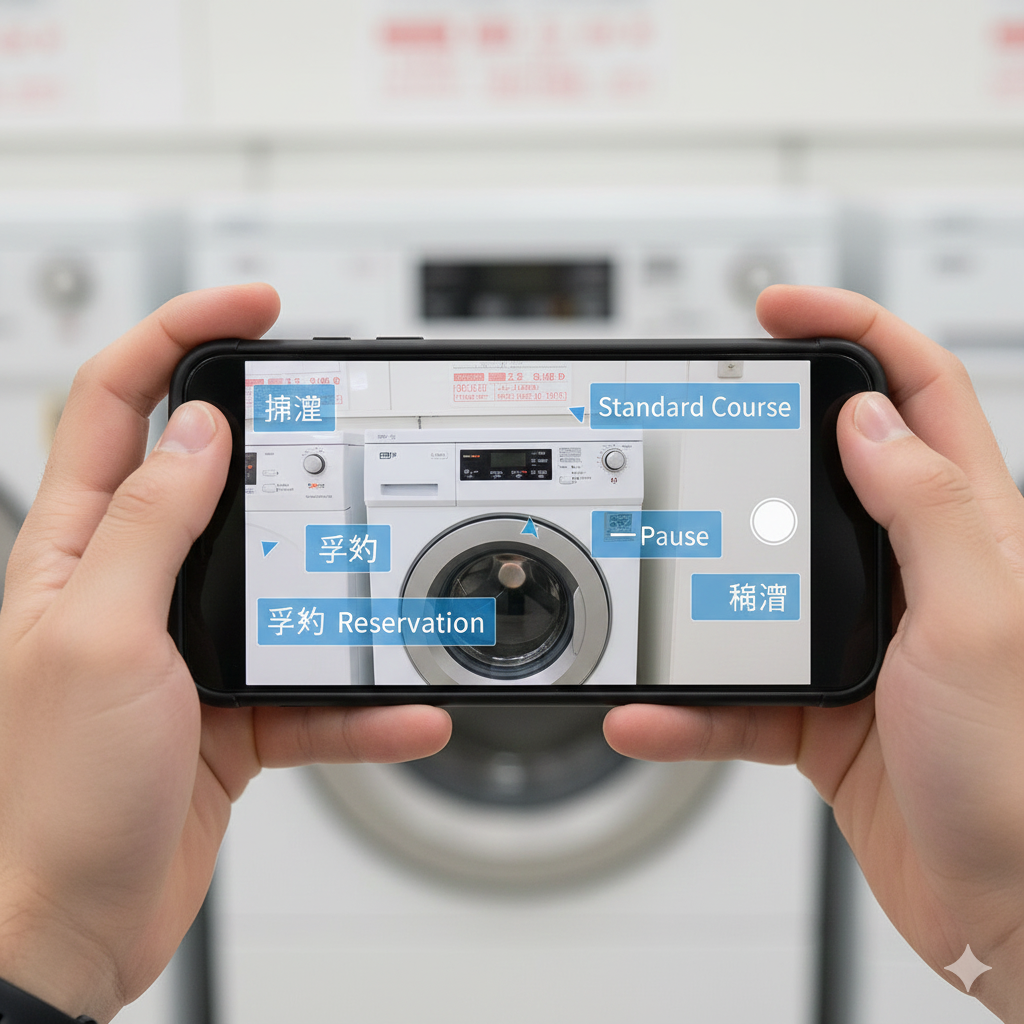
Can’t Read Kanji? How to Use the Google Translate App to Decode Washing Machines
Your Smartphone is Your Translator
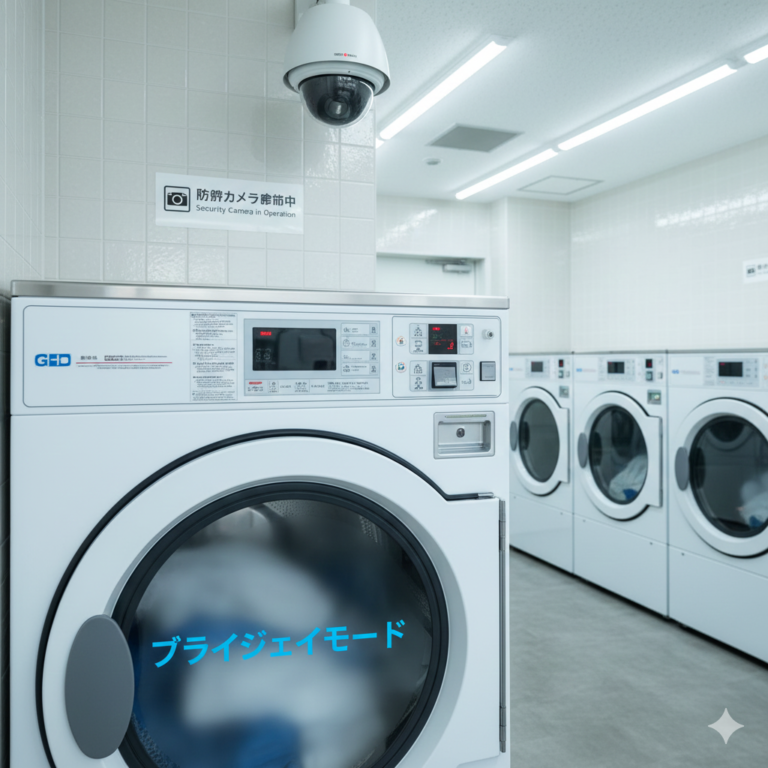
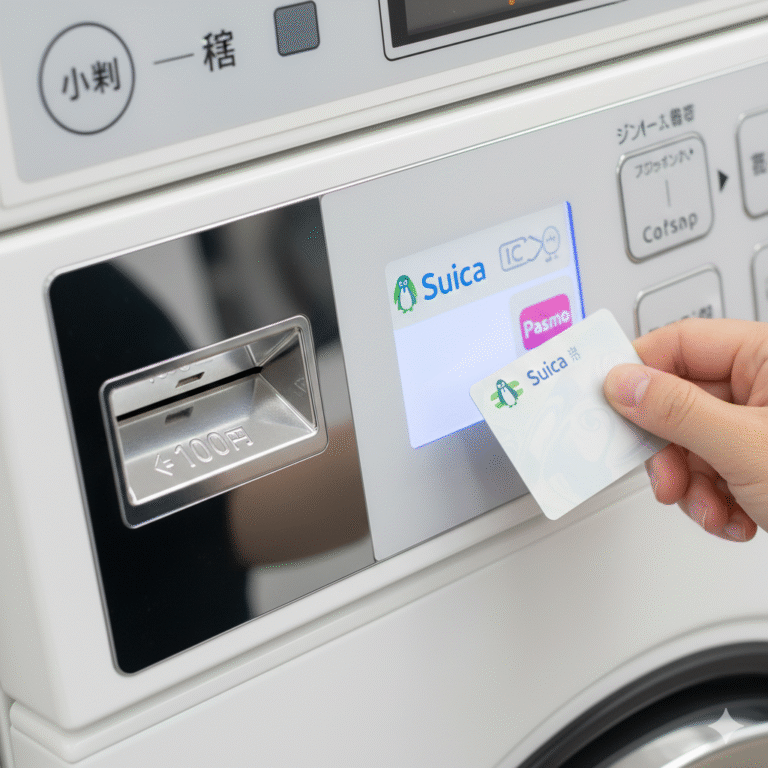
You are standing in front of a high-tech Japanese washing machine. It looks amazing, but every button is labeled in complex Kanji characters. You have no idea which one means “Start” and which one means “Emergency Stop.”
Don’t just guess and press random buttons! There is a simple, magical tool you likely already have.
Use “Google Lens” or “Google Translate”
Modern smartphones have powerful real-time image translation features.
- Open the App: Open the “Google Translate” app (or the Google app and select the camera icon for Google Lens).
- Select Mode: Choose “Camera” mode and set the language to “Japanese -> English”.
- Point and Read: Hold your phone camera up to the machine’s control panel.
Magic Happens
On your screen, the Japanese characters will instantly transform into English! “標準” becomes “Standard”, “乾燥” becomes “Dry”, and “洗剤不要” becomes “No Detergent Needed”.
This trick works for air conditioner remotes in your hotel room and restaurant menus too. It is the single most useful skill for surviving in Japan without knowing the language.